Your viewers play Minecraft with you
Your own Minecraft server on your PC, set up by CheerQuake: 28 mini-games your viewers play with you, plus mobs, TNT, items and weather for any world.
✓ Ready-made preset: Rose to Lion
How a gift reaches Minecraft
From a viewer’s phone to your game in about a second, with the viewer’s name on it.
- Your LIVETikTok LIVE, Twitch, Kick or YouTube
- CheerQuakeOn your PC: it reads the gift and runs your action
- Plugins on your own Paper serverInstalled by CheerQuake in one click
- MinecraftIt happens on your screen
28 mini-games, one plugin each
Install only the ones you want. Each mini-game builds its own arena, saves your items before it starts and gives them back when it ends.
-
Easy
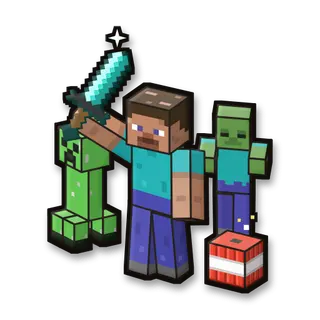
Survival Chaos
Mobs named after your viewers, loot chests, traps and effects, right in your own world.
52 commands -
Easy
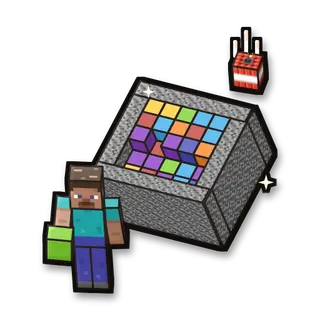
The Box
Fill a bedrock box to the top with blocks. Viewers blow it up, steal blocks and change its size.
31 commands -
Medium
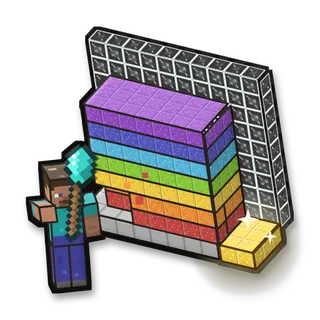
Rainbow Wall
Dig through a long wall of coloured falling sand to reach the gold finish. Viewers pour in more sand.
24 commands -
Easy
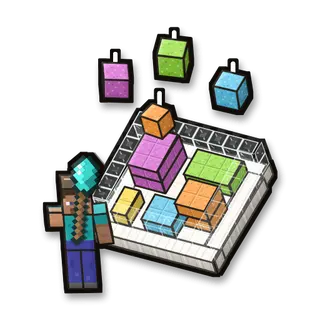
Sand Rain
Keep the platform clean while viewers pour coloured sand on it.
20 commands -
Easy
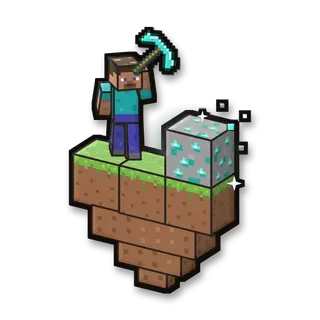
Infinite Block
Mine one magic block again and again. The counter shows how many are left; viewers add more.
19 commands -
Easy
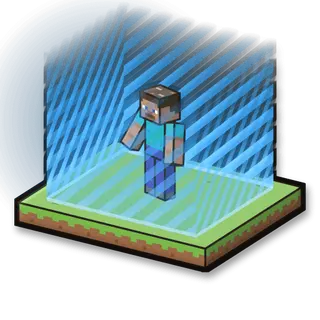
World Border
A glowing world border around you that viewers make bigger or smaller.
21 commands -
Medium
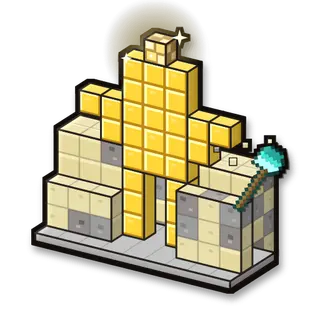
Statue Dig
A statue is buried in a block of stone and sand: a king, a creeper, a trophy or a heart, a different one every round. Dig it out before viewers cover it again.
17 commands -
Easy
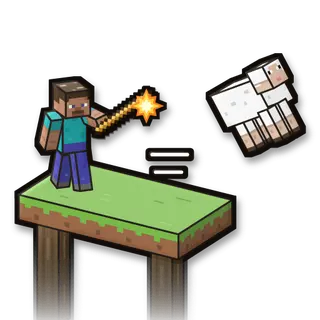
Sheep Out
Knock every sheep off a floating pasture. Viewers drop in more sheep, whole rows of them, and shoot at you.
22 commands -
Easy
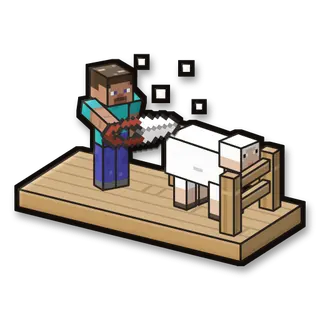
Barbershop
Shear the sheep in the barn as fast as you can. Viewers send more sheep, cows that take the stalls and mobs that chase you.
26 commands -
Medium
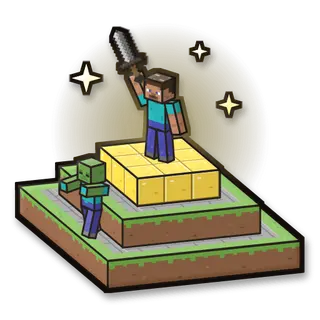
King of the Hill
Hold the golden top of the hill. Viewers send mobs that climb up and knock you off.
22 commands -
Medium
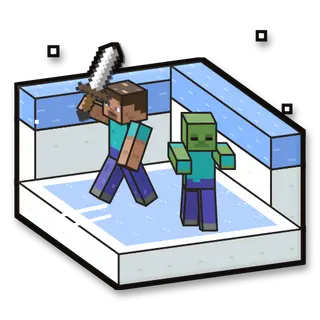
Iced Arena
Fight the mobs viewers send into a slippery ice arena. Helpers upgrade your armour and bring golems.
25 commands -
Easy
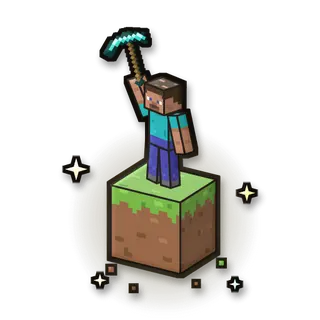
One Block
Survive on one magic block in the sky. Mine it and it comes back as a new block: plains, caves, ores, the Nether and the End.
28 commands -
Medium
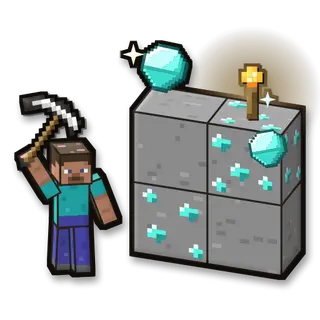
Diamond Hunt
Dig through a mine full of ores and find the diamonds. Viewers raise the goal, bury you in gravel and switch the lights off.
23 commands -
Medium
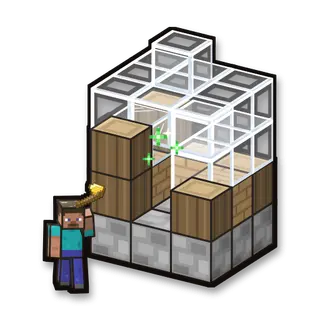
Building
Build a house from its ghost outline, block by block: a different house every round. Viewers send creepers, fire and termites to wreck it.
20 commands -
Medium
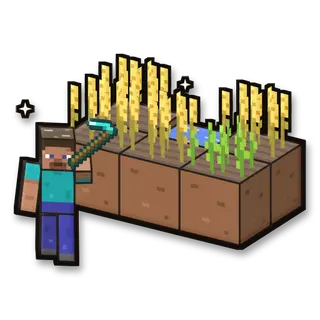
Farm
Plant wheat, let it grow and harvest it. Viewers let animals loose on your field; helpers bring rain and sheepdogs.
26 commands -
Medium
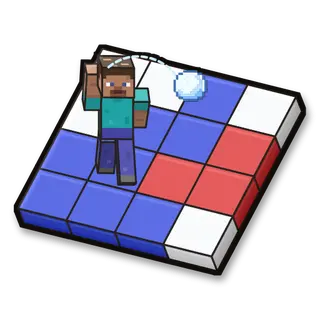
Painting
Paint the whole floor blue by walking on it and throwing snowballs. Viewers paint it red with lasers, TNT and ghasts.
23 commands -
Easy
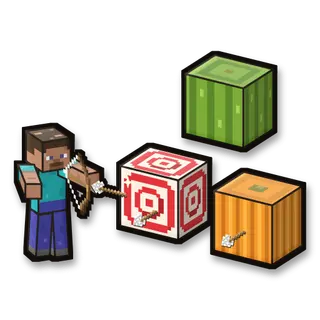
Shooting Gallery
Shoot the targets down the range with your bow. Viewers clear the targets, blow wind at your arrows and send zombies; helpers bring melons, triple shots and exploding arrows.
24 commands -
Hard
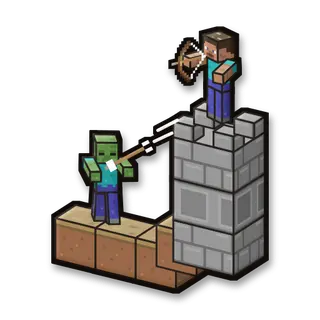
Tower Defense
Mobs march down a winding path to your castle. Shoot them from your tower before they get there. Survive 3 minutes!
29 commands -
Hard
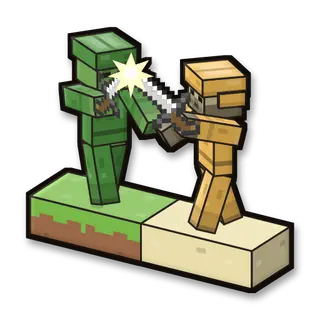
Battlefield
Your Forest army fights the Desert army across a battlefield. Viewers pick a side and send soldiers, knights and ravagers. Destroy the Desert base!
21 commands -
Medium
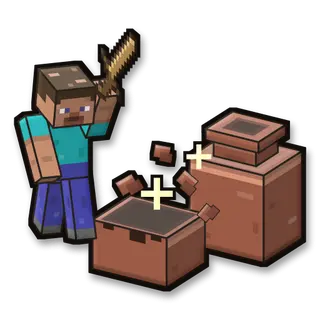
Pots Arena
Break every pot in the arena before time runs out. Some pots hide zombies, creepers, wolves or prizes, and viewers keep adding more.
25 commands -
Medium
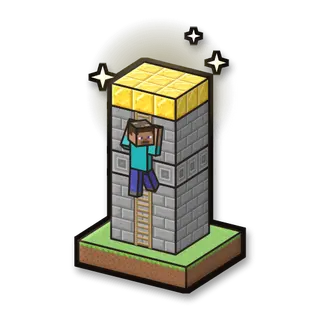
Ladder
Climb a ladder up a very tall tower to the gold at the top. Viewers knock you down, make the tower taller and send phantoms; helpers boost you up and give you wings.
22 commands -
Medium
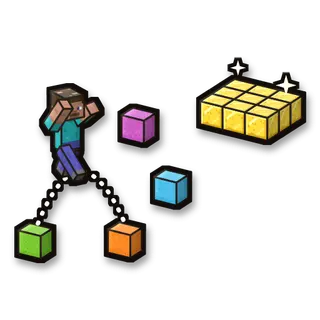
Parkour
Jump from block to block across a 50-jump course in the sky. Viewers send you back and shoot at you; helpers move you forward and build bridges.
20 commands -
Medium
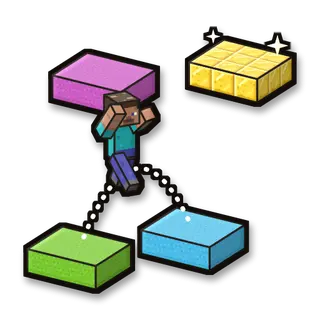
Parkour Platforms
Jump across 25 floating platforms to the finish while viewers launch you, blow you away and drop anvils on you.
23 commands -
Hard
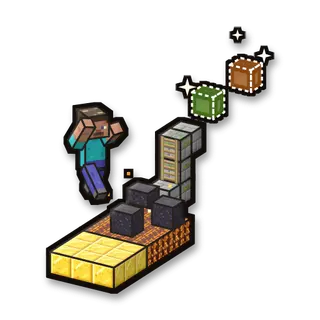
Parkour Ultimate
An endless parkour course that builds itself ahead of you, section by section. Viewers choose the next sections: lava hops, chains, cactus and mobs.
22 commands -
Medium
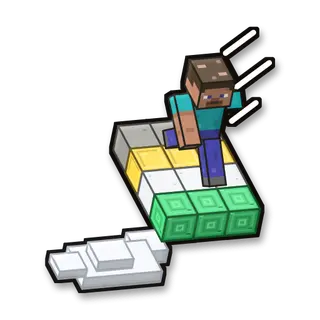
Sky Runner
Run along a path in the sky to the finish while viewers change the path ahead: longer, bent, full of holes, icy or walled off.
27 commands -
Hard
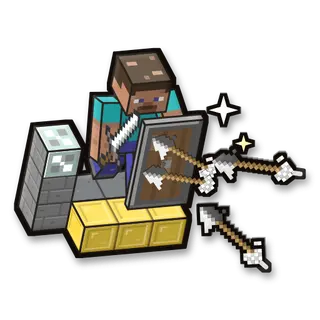
Shield Runner
Run down a long track with your shield up while viewers fire arrows, lay mines and send mobs at you.
25 commands -
Medium
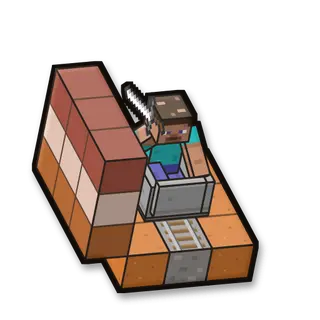
Rail Rush
Ride a minecart through a canyon to the station. Mobs viewers send stand on the rails and stop your cart: fight them off to keep rolling. Every mob you beat gives you food.
23 commands -
Medium
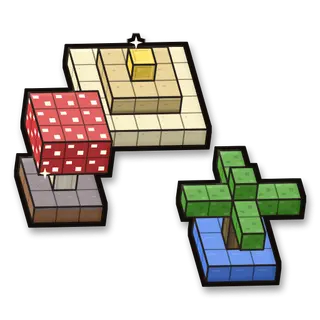
Map Quest
A trip through six ready-made maps: a forest, a mushroom island, an ocean island, a market, pyramids and a colosseum. Every map has its own enemies: beat them to clear the map and go on to the next one.
24 commands
Commands for any world
29 commands, each with its own hand-drawn picture. Put any of them on any gift, follow, like or chat command.
Showing 29 of 29
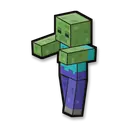
Spawn a zombie (with viewer name)
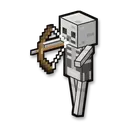
Spawn a skeleton (with viewer name)

Spawn a creeper (with viewer name)
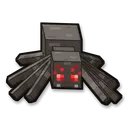
Spawn a spider (with viewer name)
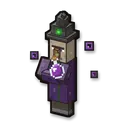
Spawn a witch (with viewer name)
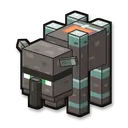
Spawn a ravager (mini-boss)
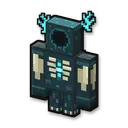
Summon the Warden (boss)
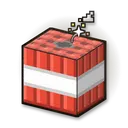
Drop TNT on the player
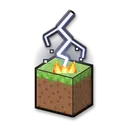
Lightning strike
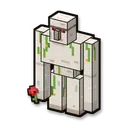
Spawn an iron golem helper

Give a diamond

Give a golden apple
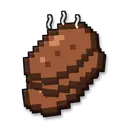
Give food (8 steak)

Give a diamond sword
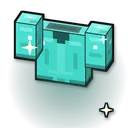
Give a diamond chestplate

Heal the player
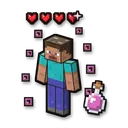
Regeneration (10 s)
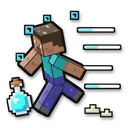
Speed boost (15 s)
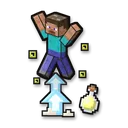
Super jump (15 s)
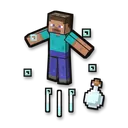
Launch into the air
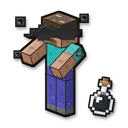
Blindness (5 s)
Random teleport (25 blocks)

Make it night

Make it day
Thunderstorm

Clear weather

Firework (harmless)
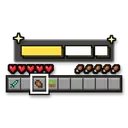
Show viewer name on screen

Chat message
No command matches. Try another word.
Ready in 4 steps
No code, no files to copy: CheerQuake does it for you.
- 1
Install CheerQuake
Free to start, for Windows 10 and 11.
- 2
Set up your server
CheerQuake downloads Paper and Java and starts your own server.
- 3
Install the mini-games
Pick the ones you want: each is its own plugin.
- 4
Load the preset and go LIVE
A ready-made gift list from a Rose to a Lion for every mini-game.
Good to know
- Java Edition, on a server on your own PC: CheerQuake downloads Paper and Java for you.
- Each mini-game works from Minecraft 1.12 to the newest version.
- Arena mini-games save your items and place before they start and give them back at the end.
What you need
- System
- Windows 10 or 11 (64-bit)
- Game
- Minecraft: Java Edition (1.12 to the newest)
- App
- CheerQuake (free to start)
- LIVE
- TikTok LIVE Studio (LIVE access), Twitch, Kick or YouTube
Questions about Minecraft
Is it free?
CheerQuake is free to start, and the mod for Minecraft comes with it.
Will it change my game or my saves?
No game file is replaced. Remove mod takes away exactly what CheerQuake added, and effects end by themselves.
Can I choose what each gift does?
Yes. Any command can go on any gift, follow, share, like or chat command. The ready-made preset is just a start.
Does it work with Twitch, Kick and YouTube?
Yes. CheerQuake counts Bits, Kicks and Super Chats like TikTok coins (1 Bit or 1 Kick = 1 coin, a $1 Super Chat = 100 coins), so the same actions run for all of them, at the same time.