
World Border
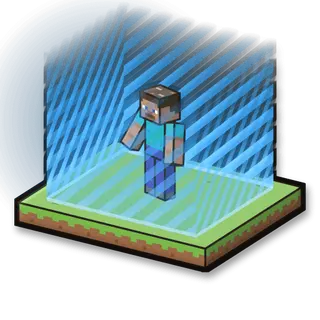
A glowing world border around you that viewers make bigger or smaller.
How to play
Survive inside the border. Followers and small gifts give you room; big gifts shrink it.
Goal
There is no winner: play as long as you like.
Your kit
Nothing: you play with your own things, in your own world.
In the game
- Start the border here: Puts a border of this width around you, in your own world. Your world’s own border is remembered.
- Remove the border: Gives your world its own border back.
Everything your viewers can do
21 commands, each with its own hand-drawn picture. Put any of them on any gift, follow, like or chat command.
Showing 21 of 21
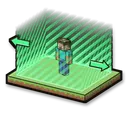
Bigger border
The border grows by this many blocks.
Helps you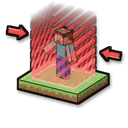
Smaller border
The border shrinks by this many blocks.
Makes it harder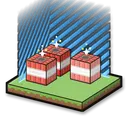
TNT at the edge
TNT appears just inside the border.
Makes it harder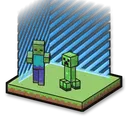
Mobs at the edge
Zombies, skeletons, spiders and creepers appear at the border and come for you.
Makes it harder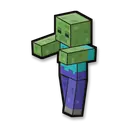
Spawn a zombie
Makes it harder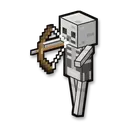
Spawn a skeleton
Makes it harder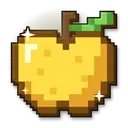
Give a golden apple
Helps you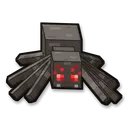
Spawn a spider
Makes it harder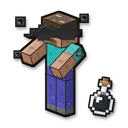
Blindness
Makes it harder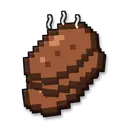
Give food
Helps you
Make it night
Fun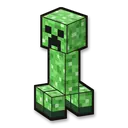
Spawn a creeper
Makes it harder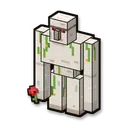
Spawn an iron golem helper
Helps you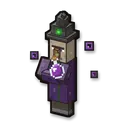
Spawn a witch
Makes it harder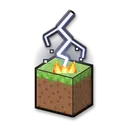
Lightning strike
Makes it harder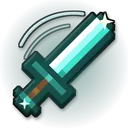
Give a diamond sword
Helps you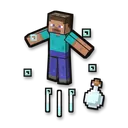
Launch into the air
Makes it harder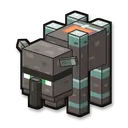
Spawn a ravager
Makes it harder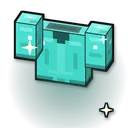
Give a diamond chestplate
Helps you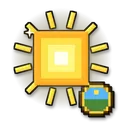
Make it day
Fun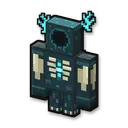
Summon the Warden
Makes it harder
No command matches. Try another word.
Ready in 4 steps
No code, no files to copy: CheerQuake does it for you.
- 1
Install CheerQuake
Free to start, for Windows 10 and 11.
- 2
Open Games → Minecraft
CheerQuake sets up your own server for you.
- 3
Install World Border
One click, then Start in the game’s panel.
- 4
Load its preset and go LIVE
A ready-made gift list from a Rose to a Lion.
Good to know
- Java Edition, on a server on your own PC: CheerQuake downloads Paper and Java for you.
- Each mini-game works from Minecraft 1.12 to the newest version.
- Arena mini-games save your items and place before they start and give them back at the end.
What you need
- System
- Windows 10 or 11 (64-bit)
- Game
- Minecraft: Java Edition (1.12 to the newest)
- App
- CheerQuake (free to start)
- LIVE
- TikTok LIVE Studio (LIVE access), Twitch, Kick or YouTube