Your viewers' gifts play your game
CheerQuake turns TikTok gifts, Twitch Bits, YouTube Super Chats and Kicks, plus follows, shares, likes, chat and donations, into real moments on your stream. A Rose or 100 Bits can heal you, a Lion can summon a boss. Alerts, goals, a boss fight and a gift wheel show on your overlays.
Coming soon for Windows 10 and 11. Free to start.
Watch a gift land
Every gift, like and follow fires its action the moment it arrives. Pick a game, or let them play one after another.
- Sara sent a RoseHeal
- Omar sent a LionBoss
- Lina sent 100 likes+10 s
- Adam sent a RoseTNT
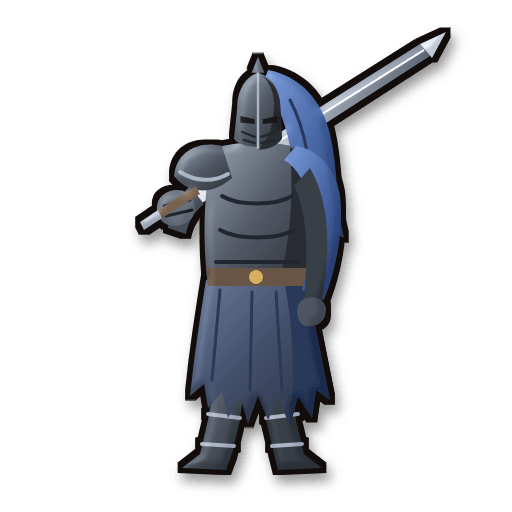
- Mia sent a GalaxyWarden
- Noor sent 100 likesDiamonds
- Leo sent a RoseMoney
- Zara sent a GalaxyAirstrike
- Sami sent a LionAliens
- Huda sent a RoseHeal
- Yusuf sent 100 likesPal Spheres
- Rami sent a LionAlpha Pal
New in CheerQuake
Big updates for your whole stream. Pick one to see it move.
- 🌌 Mia sent a Galaxy
- ❤️ Lina sent 500 likes
- 🔁 Adam shared the LIVE
- ➕ Noor followed
- 🍩 Omar sent 3 Doughnuts
- 🦁 Sami sent a Lion
Choose what hurts the boss: coins, likes, shares, follows, subscribers or donations. Change its health and click Apply. Beat it and a stronger one comes back.
Top gifters
- Sara12,400
- Omar8,150
- Lina5,020
Chat
Mia: let’s go! 🔥
Leo: !jump
Noor: GG ❤️
36 overlays: alerts, chat, goals, gift goals, a subathon timer, a boss fight, polls, a giveaway, shoutouts, level-ups, the song you play, a news ticker, stream screens, end credits and more, each in 18 looks. Pick one look for all, or give an overlay its own.
Put all your overlays in one link and drag them into place, for a PC stream or a phone LIVE. Full-screen overlays have a portrait look too, and overlay links work on any PC or phone.
- 1SSara5,400
- 2OOmar3,900
- 3LLina2,600
- 4AAdam1,200
- 5NNoor300
Viewers earn CQ Points by watching, chatting and sending gifts, spend them on chat commands, and climb VIP ranks. CheerQuake remembers every viewer.
Open the Phone deck with a QR code, or copy a link into Stream Deck. One tap runs any action: a sound, the wheel, a game command or time on the timer.
Bigger gifts first: a bigger gift stops the song of a cheaper one, and a cheaper gift plays along with a bigger one. The same sound starts again instead of piling up.
- 🌹 Rose: your room glows red
- 🌌 Galaxy: your VTuber puts on a hat
- 🦁 Lion: your VRChat avatar changes
- 🍩 Doughnut: OBS shows your camera
A gift can press a VTube Studio hotkey, change your VRChat avatar, light up WLED lights in your room or switch OBS scenes.
How it works
Set it up once, then go LIVE. CheerQuake runs on your PC next to your game and OBS, Streamlabs Desktop or TikTok LIVE Studio.
Connect your LIVE
Type your TikTok username, or sign in to Twitch, YouTube or Kick. CheerQuake connects by itself when your LIVE starts.
Pick a game and a preset
Every game comes with a ready-made gift list, from a Rose to a Lion, plus follows, shares and likes. Change anything you like.
Your viewers take over
Each gift fires its action in your game and on your overlays, with pictures, sounds and voice.
Everything a gift can do
Simple screens, ready-made presets and a picture for every command.
Gift actions
Rules for every gift, follow, share, like and chat command, with cooldowns and repeats. Gifts already in use are marked, so one gift never does two things by mistake.
Game mods in one click
Install mod and Remove mod buttons for each game. Everything the mod needs comes with it.
36 overlays in 18 looks
Alerts, chat, goals, gift goals, a subathon timer, a boss fight, polls, a giveaway, a viewer queue, shoutouts, level-ups, the song you play, a news ticker, stream screens and end credits.
Scenes for PC and phone
All your overlays in one link, arranged by dragging, in landscape or portrait. The links work on any PC or phone.
Sounds and voices
Over 250 sounds, your own sounds with a cut tool, a voice for every viewer, and bigger gifts that stop cheaper sounds.
Viewers, points and ranks
CQ Points, VIP ranks and a viewer list that remembers everyone who watched, chatted or sent a gift.
Chat bot, polls and giveaways
Answers and timed messages in chat, polls viewers vote in with !1 and !2, a viewer queue and giveaways without gifts.
Screen effects
Lights out, flashes, picture rain or a full-screen video over your game, even over your own screen.
Apps and lights
VTube Studio hotkeys, VRChat avatars, WLED lights and OBS scenes, all from a gift.
Phone deck and Stream Deck
Run any action from your phone with a QR code, or from a Stream Deck button.
Donations on the timer
Streamlabs and StreamElements donations add time to your subathon timer, or take it off when the message asks.
Cloud backup
Sign in with your email and keep your presets, commands and settings safe in the cloud.
English and Arabic
The whole app, the overlays and the presets work in English and in Arabic, right to left.
Games that work with CheerQuake
Each game has its own mod, its own commands and a full ready-made preset, with a hand-drawn picture for every command.
Minecraft
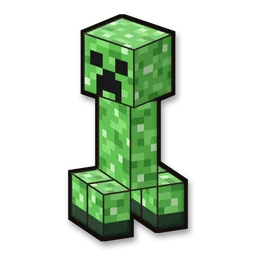
28 mini-games, mobs, TNT and bosses on your own server
Roblox
Jumps, dances, skills and resets in any Roblox game
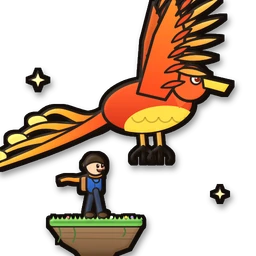
Legend Climb
Our own game: a phoenix, dragons and a sky whale on your gifts
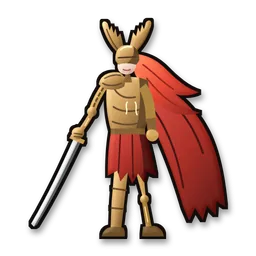
Elden Ring
Summon bosses, heal you, slow time and steal runes
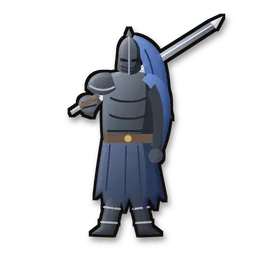
Dark Souls: Remastered
Every enemy and boss, summoned by your viewers
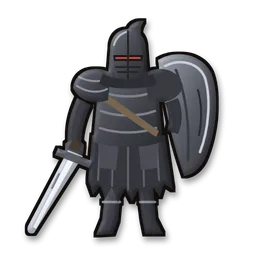
Dark Souls II
Enemies, curses, healing and Estus refills
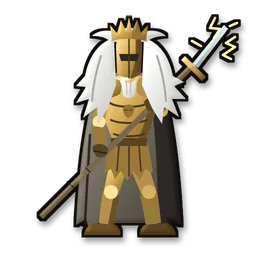
Dark Souls III
Bosses from the whole game, right where you stand
GTA V
160 commands and 8 game modes in story mode
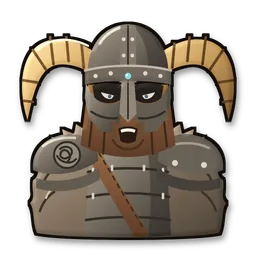
Skyrim Special Edition
Dragons, chicken rain and a giant mode

Euro Truck Simulator 2
Horns, brake checks and camera chaos on the road
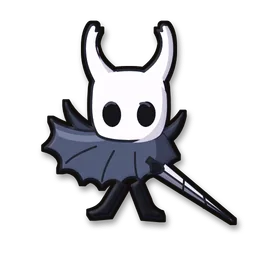
Hollow Knight
Enemies, bindings and a flipped camera
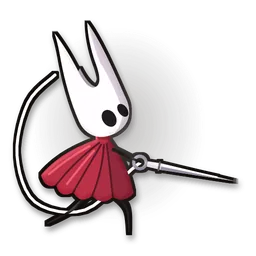
Hollow Knight: Silksong
Enemies, rosaries and silk for Hornet
Palworld
All 300 Pals, alphas included
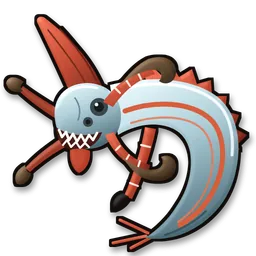
Subnautica
Leviathans, blackouts and care packages

Supermarket Simulator
Customer rushes, dirty floors and double income

Schedule I
Cops, cash and chaos all over town

One Million Coins
Coin rain, black holes and golden meteors

Resident Evil Requiem
Enemies, healing, weapons and slow motion

Resident Evil 4
Help or chaos for Leon and Ashley
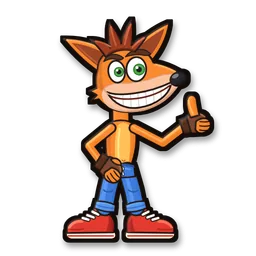
Crash Bandicoot N. Sane Trilogy
Wumpa fruit, crates, speed and size
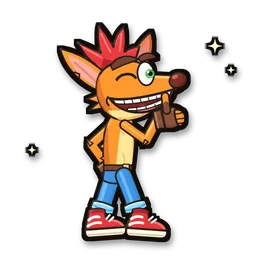
Crash Bandicoot 4: It’s About Time
Gravity, jumps and a giant Crash
-
Any PC game
Gifts press keys and click the mouse in any game
Game mods are for single-player, offline play. Using mods online can get an account banned, so CheerQuake's mods stay offline.
One app for every platform
CheerQuake reads what reaches your account on every platform and counts it like TikTok coins, so one preset works everywhere: an action for gifts worth 100 coins or more also runs for 100 Bits, 100 Kicks or a $1 Super Chat. Connect one platform or all four.
- TikTokSara sent a RoseHeal
- TwitchMax cheered 500 Bits = 500 coinsSpin the wheel
- YouTubeMia sent a $5 Super Chat = 500 coins+5 min
- KickLeo sent 100 Kicks = 100 coinsBoss
- TikTokOmar sent a LionAirstrike
- TwitchZoe used the reward “Jump”Jump
Questions
Is CheerQuake free?
Yes, you can start for free.
What do I need?
A Windows 10 or 11 PC. CheerQuake works with TikTok LIVE, Twitch, YouTube and Kick, and its overlays work in TikTok LIVE Studio, OBS and Streamlabs Desktop.
Do Twitch Bits, Kicks and Super Chats count like TikTok coins?
Yes. CheerQuake reads them as they reach your account: 1 Bit = 1 coin, 1 Kick = 1 coin, a $1 Super Chat = 100 coins and 1 YouTube Jewel = 1 coin. So an action for “any gift worth 100 coins or more” also runs for 100 Bits, 100 Kicks or a $1 Super Chat. Subscriptions, follows and Twitch channel points work too.
Do the overlays work for a phone LIVE?
Yes. Overlay links work on any PC or phone, and Scenes and the full-screen overlays have a portrait (1080 × 1920) layout.
Are the game mods safe?
They are made for single-player, offline play. Using mods online can get an account banned, so keep them offline.
Does it work in Arabic?
Yes. The whole app, its overlays and presets work in English and Arabic, right to left included.
Is CheerQuake made by TikTok?
No. CheerQuake is an independent app and isn't affiliated with TikTok, Twitch, YouTube, Kick or the makers of the games it works with.
When can I get it?
CheerQuake is in development and coming soon for Windows 10 and 11.