
Your viewers play Elden Ring with you
Summon any enemy or boss from the Lands Between, heal you or hurt you, slow time down, steal or give runes, change your weapon or your body for a while.
✓ Ready-made preset: Rose to Lion
How a gift reaches Elden Ring
From a viewer’s phone to your game in about a second, with the viewer’s name on it.
- Your LIVETikTok LIVE, Twitch, Kick or YouTube
- CheerQuakeOn your PC: it reads the gift and runs your action
- A bridge beside the gameInstalled by CheerQuake in one click
- Elden RingIt happens on your screen
Everything your viewers can do
24 commands, each with its own hand-drawn picture. Put any of them on any gift, follow, like or chat command.
Showing 24 of 24
Heal to full ❤️
Health
Cure bad status effects 🧪
Health
Drop to 1 HP 💀
Health
Kill the player ☠️
Health
Can't die (god mode) 🛡️
Health
God mode: ignore hits 🛡️
Health
Drain stamina 😮💨
Stamina & FP
Refill stamina
Stamina & FP
Infinite stamina
Stamina & FP
Drain FP
Stamina & FP
Refill FP
Stamina & FP
Infinite FP
Stamina & FP
Give runes 💰
Runes & items
Take runes 💸
Runes & items
Give an item 🎁
Runes & items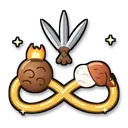
Free consumables (no item use)
Runes & items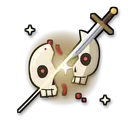
One-hit kills ⚔️
Fun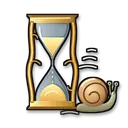
Slow motion 🐢
Fun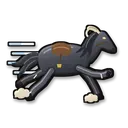
Fast motion ⚡
Fun
Freeze player 🧊
Fun
Freeze all enemies ❄️
Fun
Change right-hand weapon 🗡️
Fun
Change body shape 🎭
Fun
Summon an enemy or boss 👹
Enemies & bosses
No command matches. Try another word.
Enemies and bosses your viewers can summon
175, each with its own hand-drawn picture.
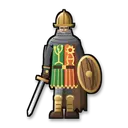 Godrick Soldier
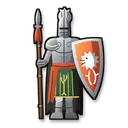 Godrick Knight
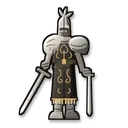 Banished Knight
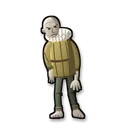 Wandering Noble
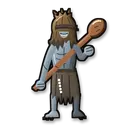 Demi-Human
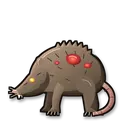 Giant Rat
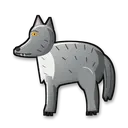 Wolf
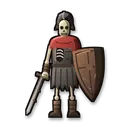 Skeleton
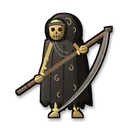 Large Skeleton (Scythe)
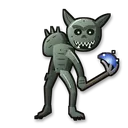 Imp
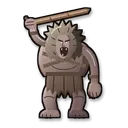 Troll
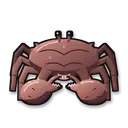 Giant Crab
 Runebear
 Bear
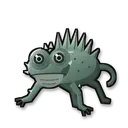 Basilisk
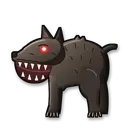 Giant Dog
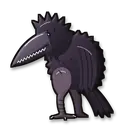 Giant Crow
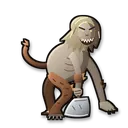 Misbegotten
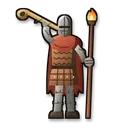 Exile Soldier
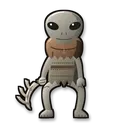 Albinauric
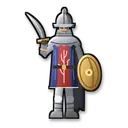 Raya Lucaria Soldier
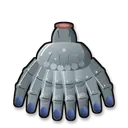 Fingercreeper
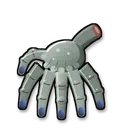 Small Fingercreeper
 Oracle Envoy
 Leyndell Soldier
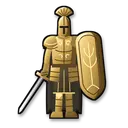 Leyndell Knight
 Revenant Follower
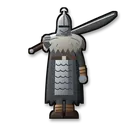 Kaiden Sellsword
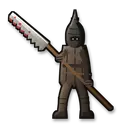 Vulgar Militia
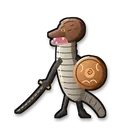 Man-Serpent
 Miranda Sprout
 Land Octopus
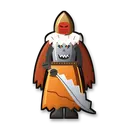 Fire Monk
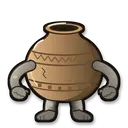 Living Jar
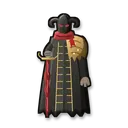 Sanguine Noble
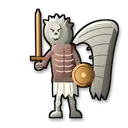 Gargoyle
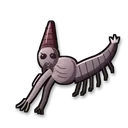 Kindred of Rot Larva
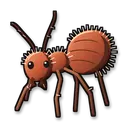 Giant Ant
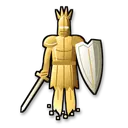 Mausoleum Knight
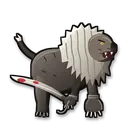 Elder Lion
 Snail
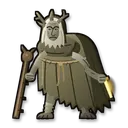 Margit, the Fell Omen
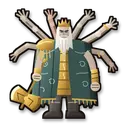 Godrick the Grafted
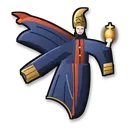 Rennala, Queen of the Full Moon
 Rennala, Queen of the Full Moon (second phase)
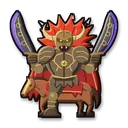 Starscourge Radahn
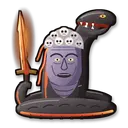 Rykard, Lord of Blasphemy
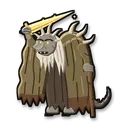 Morgott, the Omen King
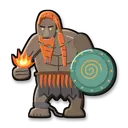 Fire Giant
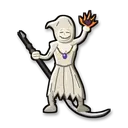 Godskin Apostle
 Godskin Noble
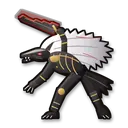 Maliketh, the Black Blade
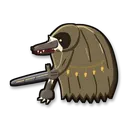 Beast Clergyman
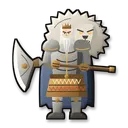 Godfrey, First Elden Lord
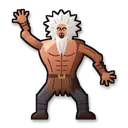 Hoarah Loux, Warrior
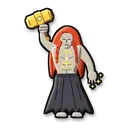 Radagon of the Golden Order
 Elden Beast
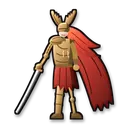 Malenia, Blade of Miquella
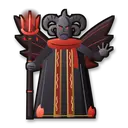 Mohg, Lord of Blood
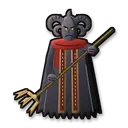 Mohg, the Omen
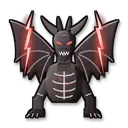 Lichdragon Fortissax
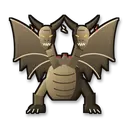 Dragonlord Placidusax
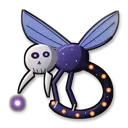 Astel, Stars of Darkness
 Regal Ancestor Spirit
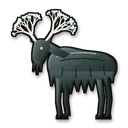 Ancestor Spirit
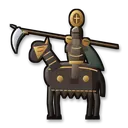 Loretta, Knight of the Haligtree
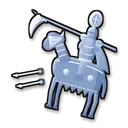 Royal Knight Loretta
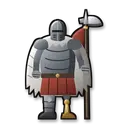 Commander Niall
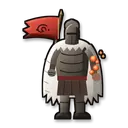 Commander O'Neil
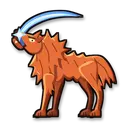 Red Wolf of Radagon
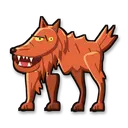 Red Wolf of the Champion
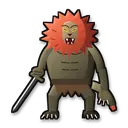 Leonine Misbegotten
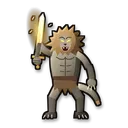 Misbegotten Crusader
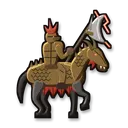 Draconic Tree Sentinel
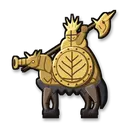 Tree Sentinel
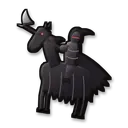 Night's Cavalry
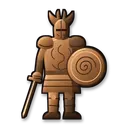 Crucible Knight
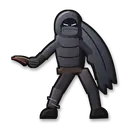 Black Knife Assassin
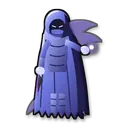 Alecto, Black Knife Ringleader
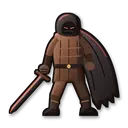 Bell Bearing Hunter
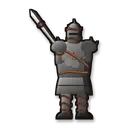 Elemer of the Briar
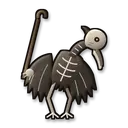 Death Bird
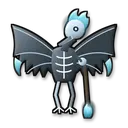 Death Rite Bird
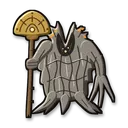 Erdtree Avatar
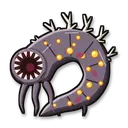 Ulcerated Tree Spirit
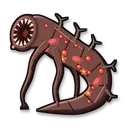 Putrid Tree Spirit
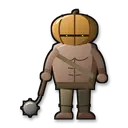 Mad Pumpkin Head
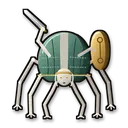 Grafted Scion
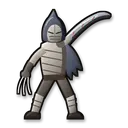 Bloodhound Knight Darriwil
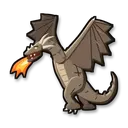 Flying Dragon Agheel
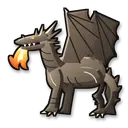 Flying Dragon Greyll
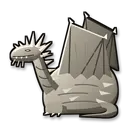 Elder Dragon Greyoll
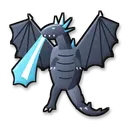 Glintstone Dragon Smarag
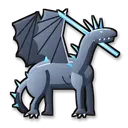 Glintstone Dragon Adula
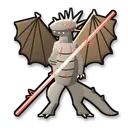 Ancient Dragon Lansseax
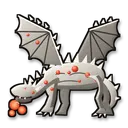 Decaying Ekzykes
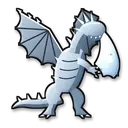 Borealis the Freezing Fog
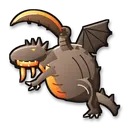 Magma Wyrm Makar
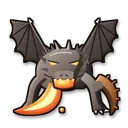 Magma Wyrm
 Tibia Mariner
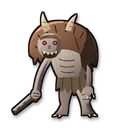 Demi-Human Chief
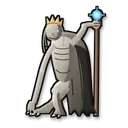 Demi-Human Queen
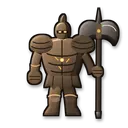 Guardian Golem
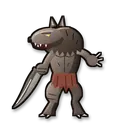 Beastman of Farum Azula
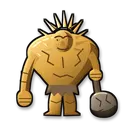 Stonedigger Troll
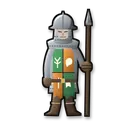 Soldier of Godrick
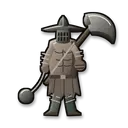 Grave Warden Duelist
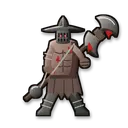 Frenzied Grave Warden Duelist
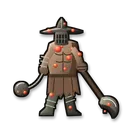 Putrid Grave Warden Duelist
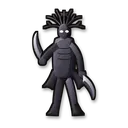 Cemetery Shade
 Miranda the Blighted Bloom
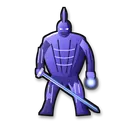 Bols, Carian Knight
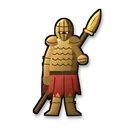 Cleanrot Knight
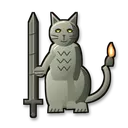 Erdtree Burial Watchdog
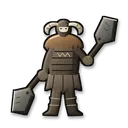 Omenkiller
 Royal Revenant
 Spiritcaller Snail
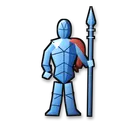 Crystalian
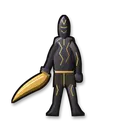 Onyx Lord
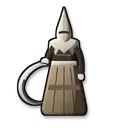 Nox Swordstress
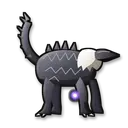 Fallingstar Beast
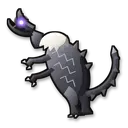 Full-Grown Fallingstar Beast
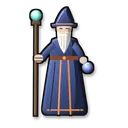 Battlemage Hugues
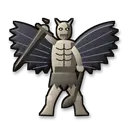 Black Blade Kindred
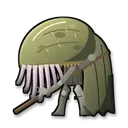 Wormface
 God-Devouring Serpent
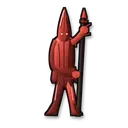 Kindred of Rot
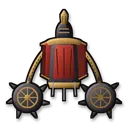 Abductor Virgin
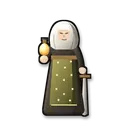 Perfumer Tricia
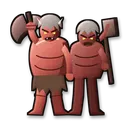 Fell Twins
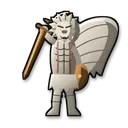 Valiant Gargoyle
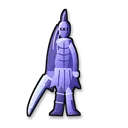 Ancient Hero of Zamor
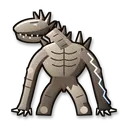 Dragonkin Soldier
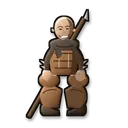 Patches
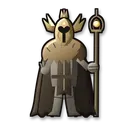 Sir Gideon Ofnir
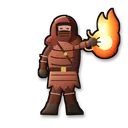 Adan, Thief of Fire
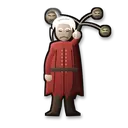 Necromancer Garris
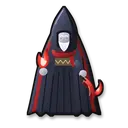 Esgar, Priest of Blood
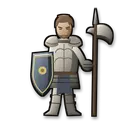 Castellan Edgar
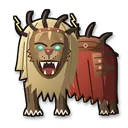 Divine Beast Dancing Lion
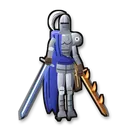 Rellana, Twin Moon Knight
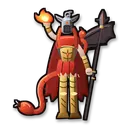 Messmer the Impaler
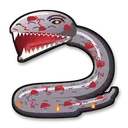 Base Serpent Messmer
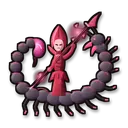 Romina, Saint of the Bud
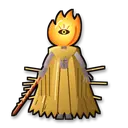 Midra, Lord of Frenzied Flame
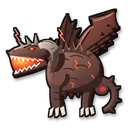 Bayle the Dread
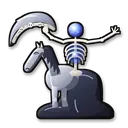 Putrescent Knight
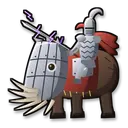 Commander Gaius
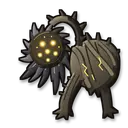 Scadutree Avatar
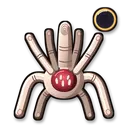 Metyr, Mother of Fingers
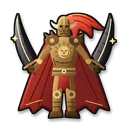 Promised Consort Radahn
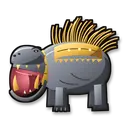 Golden Hippopotamus
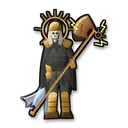 Death Knight
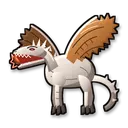 Ancient Dragon Senessax
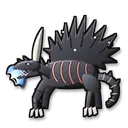 Ghostflame Dragon
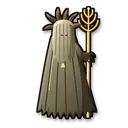 Jori, Elder Inquisitor
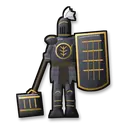 Black Knight Garrew
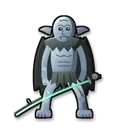 Demi-Human Swordmaster Onze
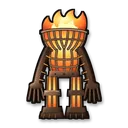 Furnace Golem
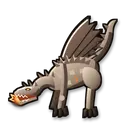 Jagged Peak Drake
 Ralva the Great Red Bear
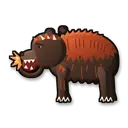 Rugalea the Great Red Bear
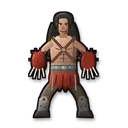 Red Bear
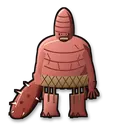 Chief Bloodfiend
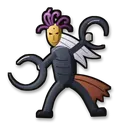 Curseblade Labirith
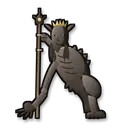 Demi-Human Queen Marigga
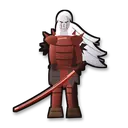 Rakshasa
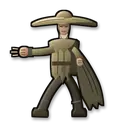 Dryleaf Dane
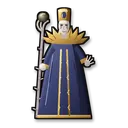 Count Ymir, Mother of Fingers
 Needle Knight Leda
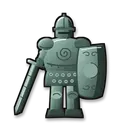 Moore
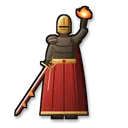 Fire Knight Queelign
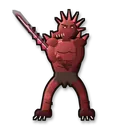 Ancient Dragon-Man
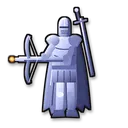 Knight of the Solitary Gaol
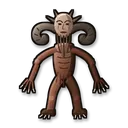 Lamenter
No command matches. Try another word.
Ready in 4 steps
No code, no files to copy: CheerQuake does it for you.
- 1
Install CheerQuake
Free to start, for Windows 10 and 11.
- 2
Open Games → Elden Ring
Choose your game folder once.
- 3
Install mod
One click. Everything the mod needs comes with CheerQuake.
- 4
Load the preset and go LIVE
A ready-made gift list from a Rose to a Lion. Change any gift you like.
Good to know
- Offline only: mods online can get your account banned.
- No game file is replaced: Remove mod, right next to Install mod, takes away everything CheerQuake added.
- Everything the mod needs comes with CheerQuake: you download nothing else.
- Effects end by themselves when their time is up.
What you need
- System
- Windows 10 or 11 (64-bit)
- Game
- Elden Ring on PC
- App
- CheerQuake (free to start)
- LIVE
- TikTok LIVE Studio (LIVE access), Twitch, Kick or YouTube
Questions about Elden Ring
Is it free?
CheerQuake is free to start, and the mod for Elden Ring comes with it.
Can I play online with it?
No. Use the mod in single player only: mods online can get your account banned.
Will it change my game or my saves?
No game file is replaced. Remove mod takes away exactly what CheerQuake added, and effects end by themselves.
Can I choose what each gift does?
Yes. Any command can go on any gift, follow, share, like or chat command. The ready-made preset is just a start.
Does it work with Twitch, Kick and YouTube?
Yes. CheerQuake counts Bits, Kicks and Super Chats like TikTok coins (1 Bit or 1 Kick = 1 coin, a $1 Super Chat = 100 coins), so the same actions run for all of them, at the same time.
More games
-
Dark Souls: Remastered
Every enemy and boss, summoned by your viewers
56 commands -
Dark Souls II: Scholar of the First Sin
Enemies, curses, healing and Estus refills
54 commands -
Dark Souls III
Bosses from the whole game, right where you stand
62 commands -
Minecraft
28 mini-games, mobs, TNT and bosses on your own server
28 mini-games