
Sky Runner
Run along a path in the sky to the finish while viewers change the path ahead: longer, bent, full of holes, icy or walled off.
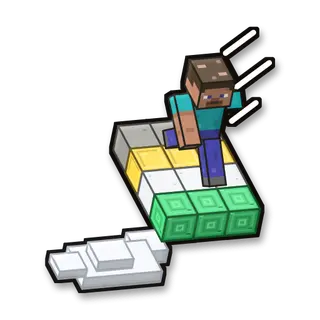
How to play
Follow the path. Gold blocks are checkpoints; break iron-bar walls with your pickaxe.
Goal
Reach the emerald finish.
Your kit
An iron pickaxe for the walls (viewers can make it faster).
In the game
- Start the game: Saves your inventory and where you are, builds the arena fresh, gives you the game’s items and takes you there.
- Stop the game: Gives you everything back and takes you back to where you were. The arena stays for next time.
- New round on a new path: A new round: the arena as new, and you back at the start with full items.
- Items again: Gives you the game’s items again.
- Back into the arena: Takes you to the start of the arena, if you wandered off.
- Remove the arena: Stops the game and takes the arena away. Your own world isn’t touched.
Everything your viewers can do
27 commands, each with its own hand-drawn picture. Put any of them on any gift, follow, like or chat command.
Showing 27 of 27
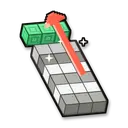
Longer path
The path gets longer.
Makes it harder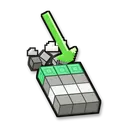
Shorter path
The path gets shorter.
Helps you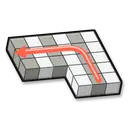
Turn
The path ahead turns a corner.
Makes it harder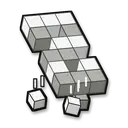
Holes
Holes open up in the path ahead.
Makes it harder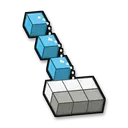
Dotted path
The path ahead becomes single blocks with gaps.
Makes it harder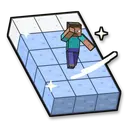
Ice
The path ahead turns to slippery ice.
Makes it harder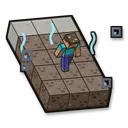
Soul sand
The path ahead turns to slow soul sand.
Makes it harder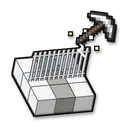
Iron-bar wall
A wall of iron bars blocks the path: break through it.
Makes it harder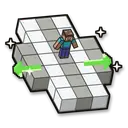
Safe platform
A wide platform around you.
Helps you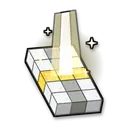
Checkpoint here
Where you are now becomes a checkpoint.
Helps you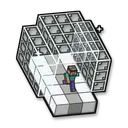
Glass tunnel
A glass tunnel over the path ahead: you can’t fall there.
Fun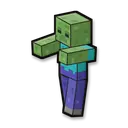
Zombie
A zombie with the viewer’s name stands on the path ahead.
Makes it harder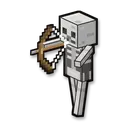
Skeleton
A skeleton on the path ahead shoots at you.
Makes it harder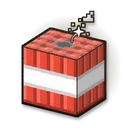
TNT
TNT falls next to you and throws you around (the path doesn’t break).
Makes it harder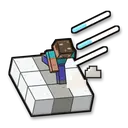
Run fast
You run faster for some seconds.
Helps you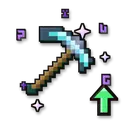
Better tools
Your tools dig a level faster (Efficiency +1, up to 5) until the round ends.
Helps you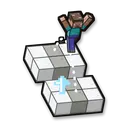
High jump
You jump higher for some seconds.
Helps you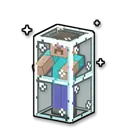
Glass prison
You are shut in glass for some seconds.
Makes it harder
Instant win
You win the round right away: the win counts, and a new round starts after 5 seconds.
Helps you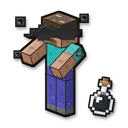
Blindness
Makes it harder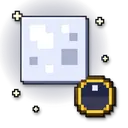
Make it night
Fun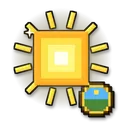
Make it day
Fun
Give a golden apple
Helps you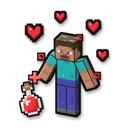
Heal the player
Helps you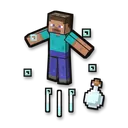
Launch into the air
Makes it harder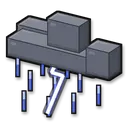
Thunderstorm
Fun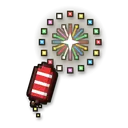
Firework
Fun
No command matches. Try another word.
Ready in 4 steps
No code, no files to copy: CheerQuake does it for you.
- 1
Install CheerQuake
Free to start, for Windows 10 and 11.
- 2
Open Games → Minecraft
CheerQuake sets up your own server for you.
- 3
Install Sky Runner
One click, then Start in the game’s panel.
- 4
Load its preset and go LIVE
A ready-made gift list from a Rose to a Lion.
Good to know
- Java Edition, on a server on your own PC: CheerQuake downloads Paper and Java for you.
- Each mini-game works from Minecraft 1.12 to the newest version.
- Arena mini-games save your items and place before they start and give them back at the end.
What you need
- System
- Windows 10 or 11 (64-bit)
- Game
- Minecraft: Java Edition (1.12 to the newest)
- App
- CheerQuake (free to start)
- LIVE
- TikTok LIVE Studio (LIVE access), Twitch, Kick or YouTube