Infinite Block
Mine one magic block again and again. The counter shows how many are left; viewers add more.
How to play
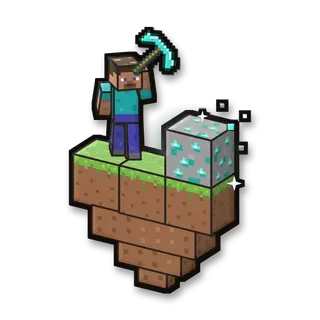
Mine the block in the middle. It comes back each time. Get the counter to 0 to win.
Goal
Mine the magic block until the counter reaches 0 (500 at the start).
Your kit
A diamond pickaxe and shovel that never break (viewers can make them faster).
In the game
- Start the game: Saves your inventory and where you are, builds the arena fresh, gives you the game’s items and takes you there.
- Stop the game: Gives you everything back and takes you back to where you were. The arena stays for next time.
- Start again: A new round: the arena as new, and you back at the start with full items.
- Items again: Gives you the game’s items again.
- Back into the arena: Takes you to the start of the arena, if you wandered off.
- Remove the arena: Stops the game and takes the arena away. Your own world isn’t touched.
Everything your viewers can do
19 commands, each with its own hand-drawn picture. Put any of them on any gift, follow, like or chat command.
Showing 19 of 19
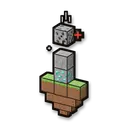
More blocks to mine
Adds to the counter: more blocks to mine before you win.
Makes it harder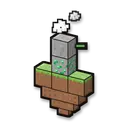
Fewer blocks to mine
Takes from the counter: fewer blocks to mine.
Helps you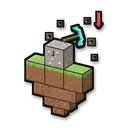
Slow mining
You mine slowly for some seconds.
Makes it harder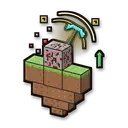
Fast mining
You mine much faster for some seconds.
Helps you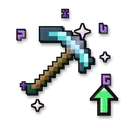
Better tools
Your tools dig a level faster (Efficiency +1, up to 5) until the round ends.
Helps you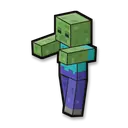
Zombie
A zombie with the viewer’s name comes for you.
Makes it harder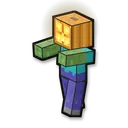
Pumpkin zombie
A zombie with a pumpkin head comes for you.
Makes it harder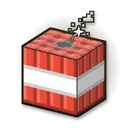
TNT
TNT goes off next to you (the island itself can’t break).
Makes it harder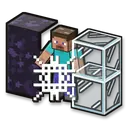
Block trap
You are stuck in cobwebs, obsidian or glass for some seconds.
Makes it harder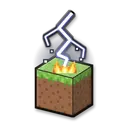
Lightning
Lightning strikes next to you.
Makes it harder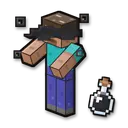
Blindness
Everything goes dark for some seconds.
Makes it harder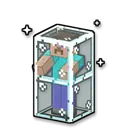
Glass prison
You are shut in glass for some seconds.
Makes it harder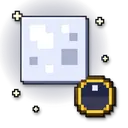
Make it night
Fun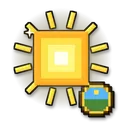
Make it day
Fun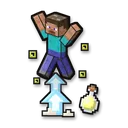
Super jump
Helps you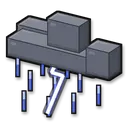
Thunderstorm
Fun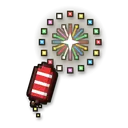
Firework
Fun
Give a golden apple
Helps you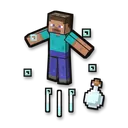
Launch into the air
Makes it harder
No command matches. Try another word.
Ready in 4 steps
No code, no files to copy: CheerQuake does it for you.
- 1
Install CheerQuake
Free to start, for Windows 10 and 11.
- 2
Open Games → Minecraft
CheerQuake sets up your own server for you.
- 3
Install Infinite Block
One click, then Start in the game’s panel.
- 4
Load its preset and go LIVE
A ready-made gift list from a Rose to a Lion.
Good to know
- Java Edition, on a server on your own PC: CheerQuake downloads Paper and Java for you.
- Each mini-game works from Minecraft 1.12 to the newest version.
- Arena mini-games save your items and place before they start and give them back at the end.
What you need
- System
- Windows 10 or 11 (64-bit)
- Game
- Minecraft: Java Edition (1.12 to the newest)
- App
- CheerQuake (free to start)
- LIVE
- TikTok LIVE Studio (LIVE access), Twitch, Kick or YouTube